
Confirming your email
Confirm your work email so CraftBridge can review your request.
What this page is for
After you register, CraftbridgeIQ emails a link to prove the address is yours. Opening it confirms the address and passes your request to a CraftBridge administrator for review.
- Where
- The link in the confirmation email (it opens /verify-email on the sign-in site)
- Who can open it
- The person who registered
- App
- Sign-in
How confirming works
The same steps as a list
- Open the link in the confirmation email
- Is the link still good? (Yes: Your email is confirmed and the request goes to review; No: Ask for a new link with your registered email)
- Your email is confirmed and the request goes to review
- Ask for a new link with your registered email
- You are emailed when it is approved
The screen
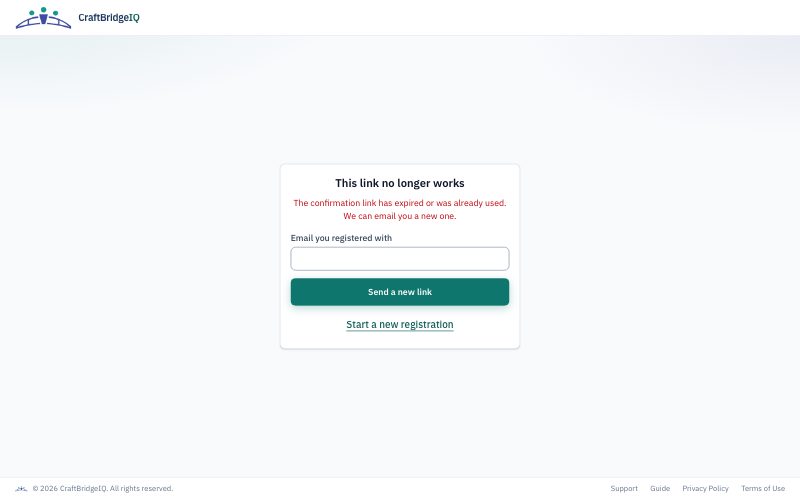
| No. | Control | What it does | What happens next |
|---|---|---|---|
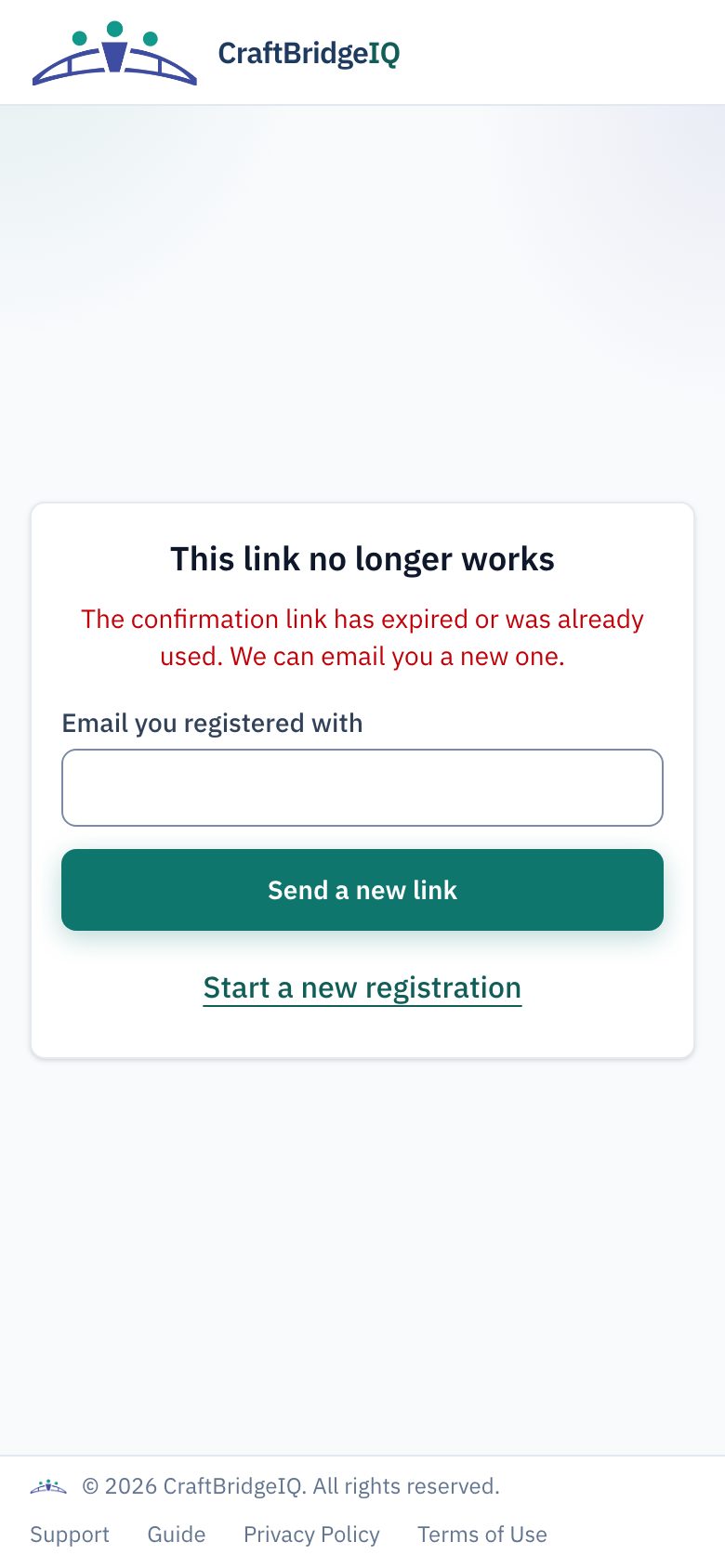
| 1 | This link no longer works | The heading when the link has expired or was already used. | Ask for a new one below. |
| 2 | Email you registered with | The address you used to register. | A new link is sent there. |
| 3 | Send a new link | Asks for a fresh confirmation email. The button reads Sending… while it works, then counts down before you can use it again. | If that address has a registration waiting, an email is sent. |
| 4 | Start a new registration | Opens the register form from the start. | Use it if you want to change the details. |
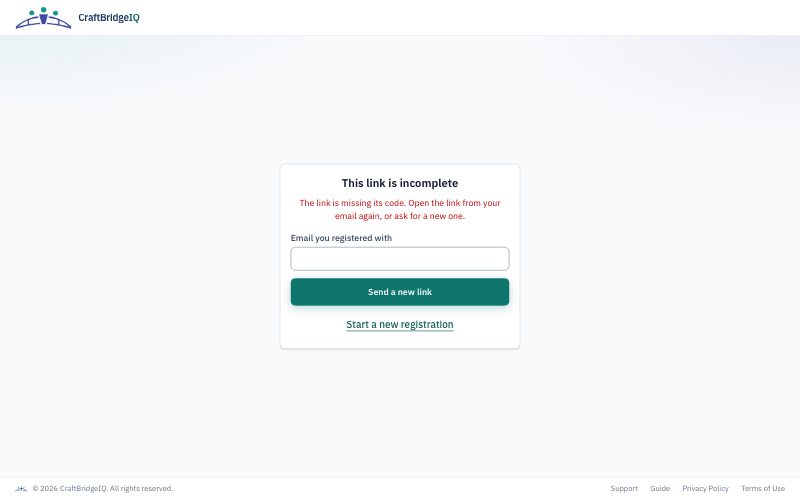
If the link was cut short you see this instead:
Step by step
Confirm your email
- Open the confirmation email and press its link.
- Wait a moment while the page says Confirming your email…
- When it says Email confirmed, you are done. Press Sign in later, once you are approved.
Get a new link
- On the page that says This link no longer works, type your registered address in Email you registered with.
- Press Send a new link.
- Open the newest email. Only the newest link works.
The form
| Field | Required | Rules | Example |
|---|---|---|---|
| Email you registered with | Yes | A valid email address. | ana.reyes@harborview.example.com |
Messages you can see
| Message | When you see it | What to do |
|---|---|---|
| Confirming your email… | The page is checking your link. | Wait a moment. |
| Email confirmed | The link worked. | Nothing. You will be emailed when the organisation is approved. |
| This link no longer works | The link expired or was already used. | Ask for a new link below. |
| This link is incomplete | The address is missing its code. | Open the link from your email again, or ask for a new one. |
| If that address has a registration waiting for confirmation, we have sent a new link. | After you press Send a new link. | Check your inbox and spam folder. |
| Try again | The check failed for a reason such as being offline; your link is still good. | Press Try again. |
Limits and other roles
- The link works for 48 hours, and once. A newer email replaces an older link.
- You can ask for another link once a minute.
Common questions
The email did not arrive
Check spam, then use Send a new link on this page or Resend the confirmation email on the register page.
What happens after I confirm?
A CraftBridge administrator reviews the request and you are emailed when it is approved. Then sign in with your email and the password you chose.
Last checked 2026-11-03 against the product.